Screenshots
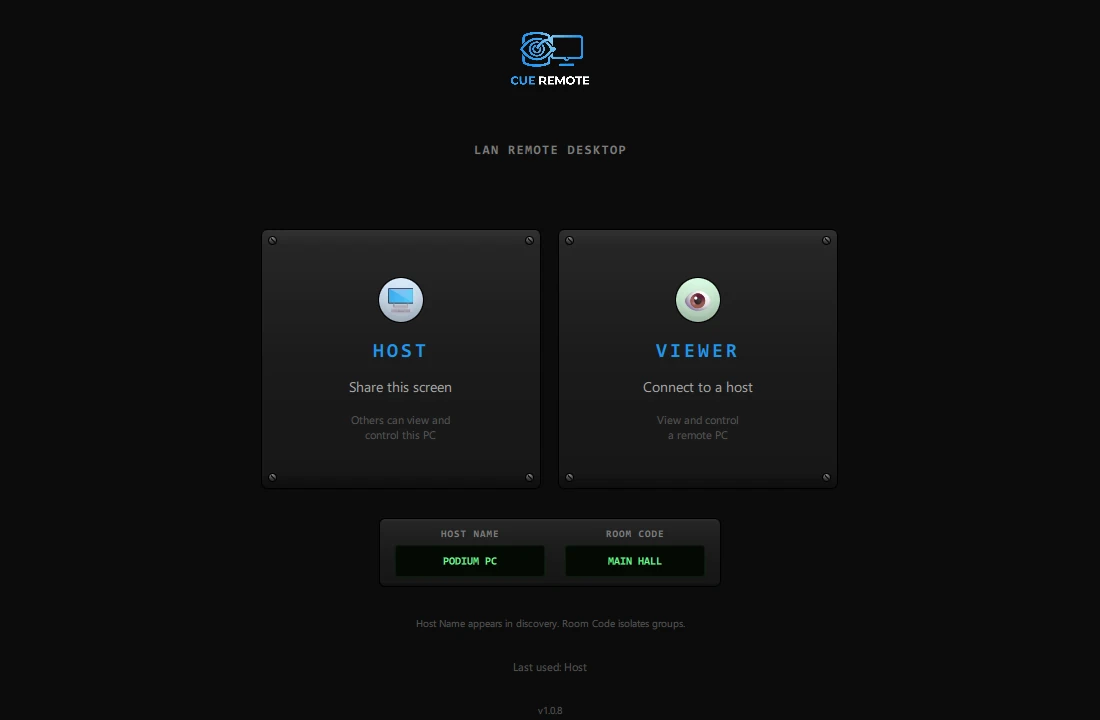
Mode Selector
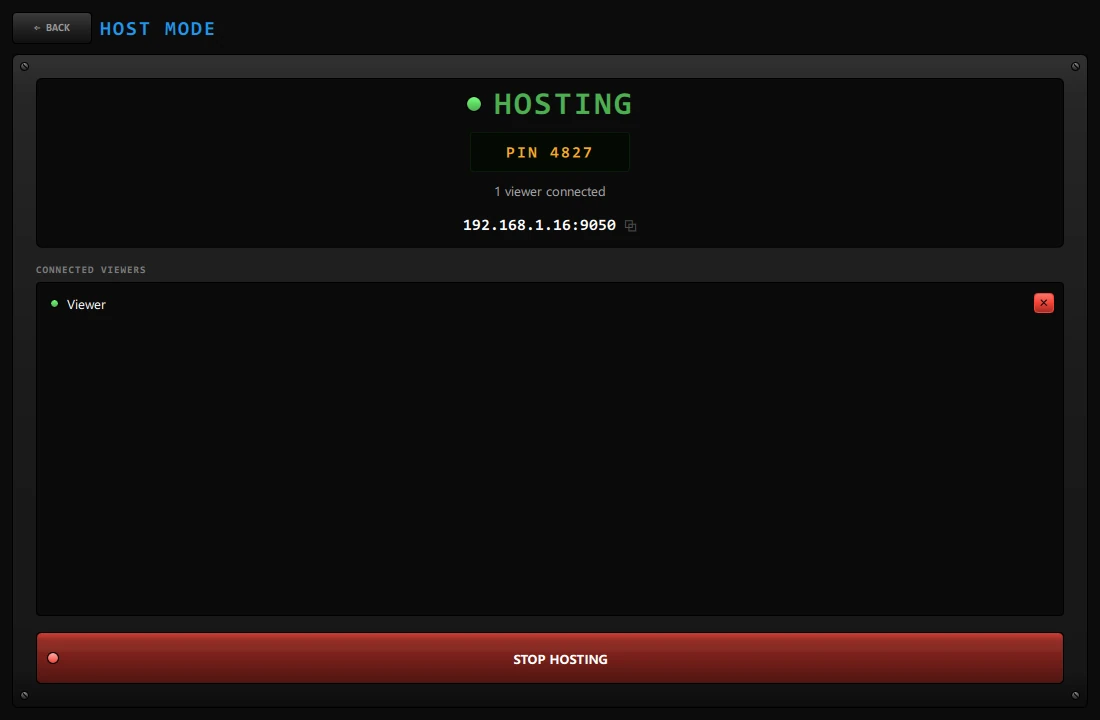
Host Mode
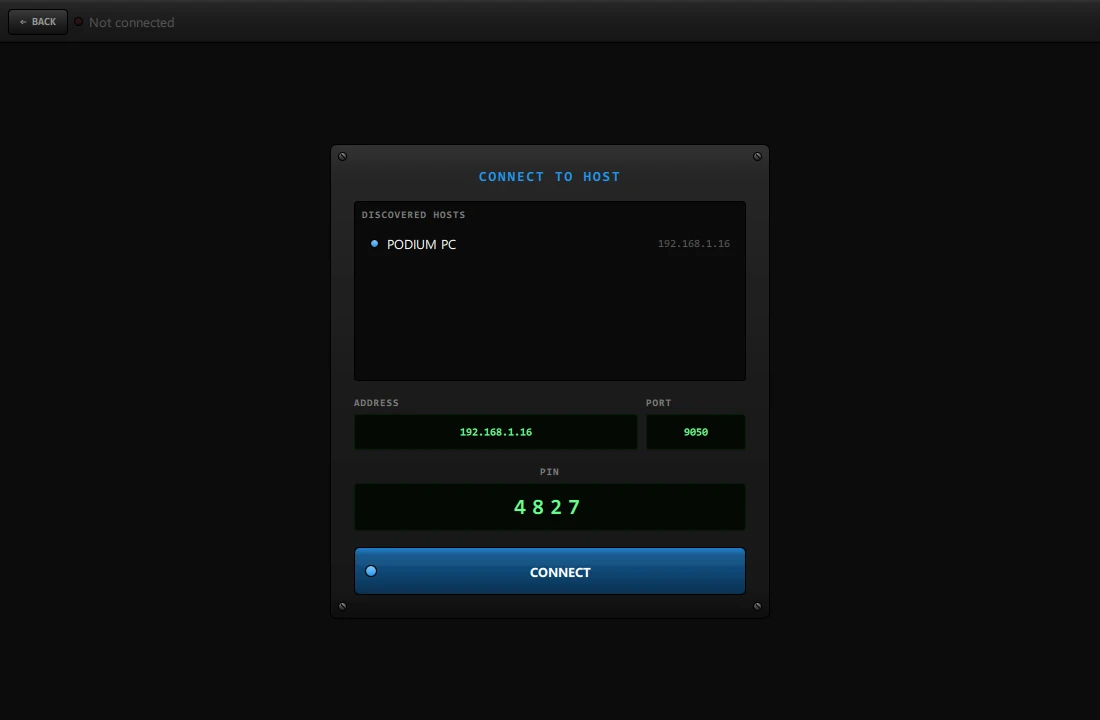
Viewer — Connect to Host

Viewer — Remote Screen
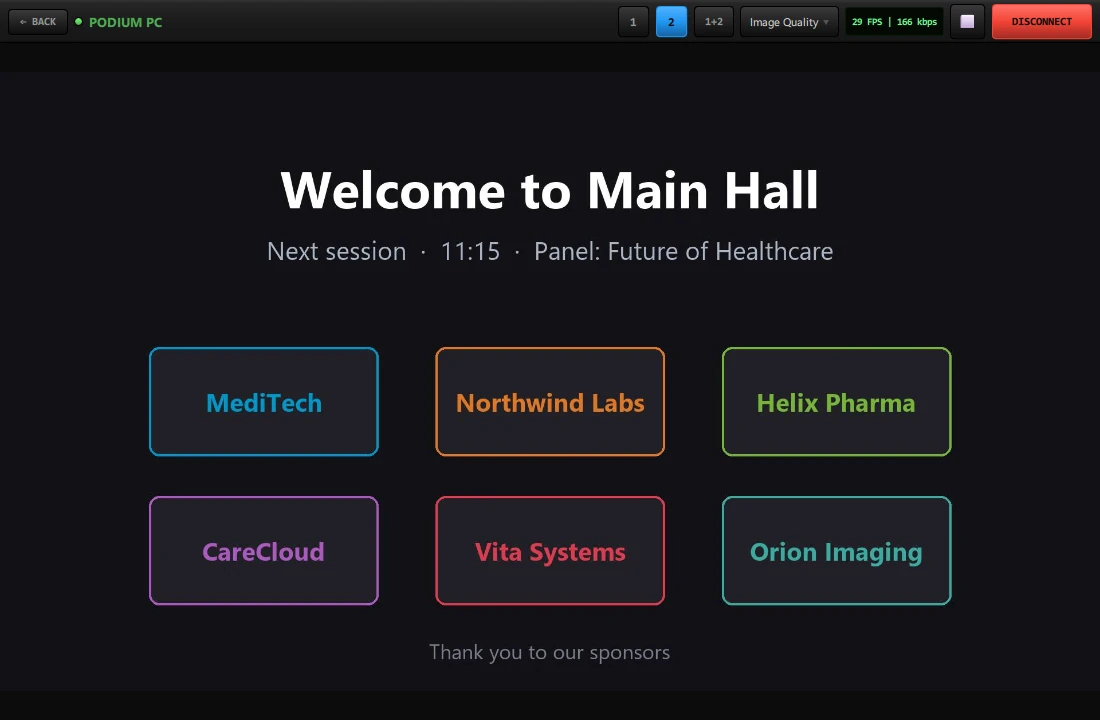
Viewer — Second Monitor
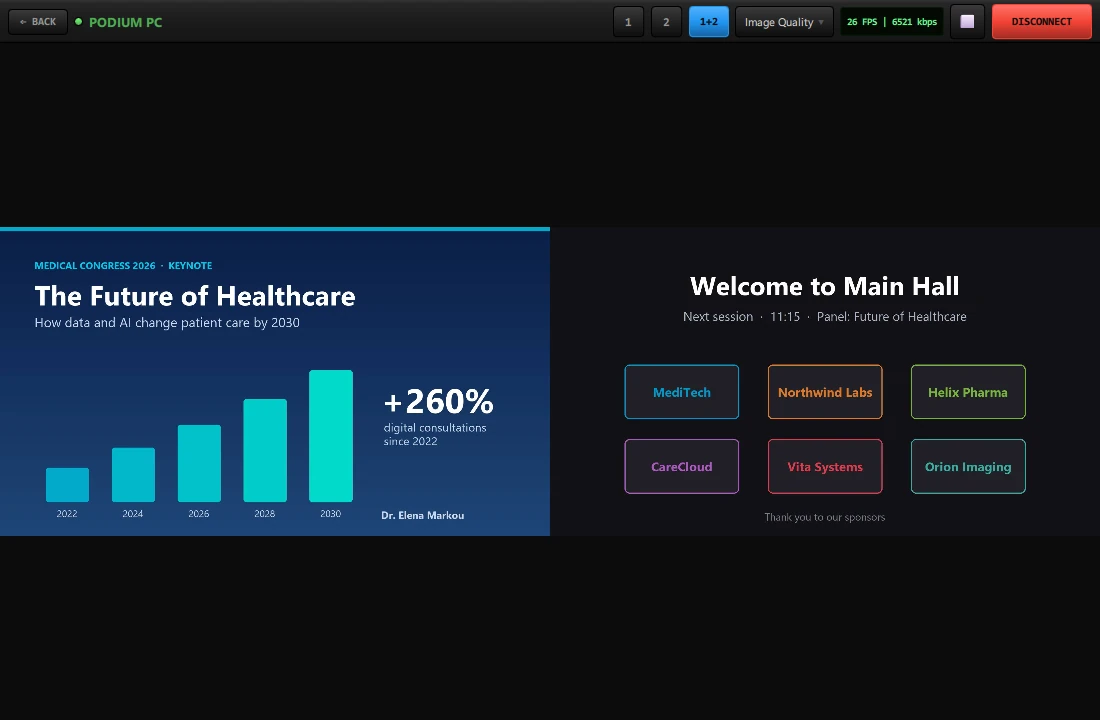
Viewer — Both Monitors (1+2)
Share and Control Screens Over Your Local Network
CueRemote is a LAN remote desktop tool built for conferences, live events, and production environments. A Host shares their screen, and one or more Viewers can connect to see and control it — all over your local network with zero internet dependency. Use Room Codes to isolate groups so multiple teams can work independently on the same network.
Two Modes, One App
Host Mode
Share your screen so others can view and control your PC. Set a host name for easy discovery and a room code to restrict who can connect. Ideal for the main presentation PC, stage manager workstation, or any machine that needs remote access.
Viewer Mode
Connect to any Host on the network and see their screen in real time. Take control with mouse and keyboard input. Perfect for control rooms, backstage positions, or any operator who needs to manage a remote PC without walking to it.
Key Features
Room Code Isolation
Assign a room code so only viewers with the same code can discover and connect to your host. Multiple organizations on the same LAN stay completely separated.
Auto Discovery
Hosts appear automatically on the network — no IP addresses or manual configuration. Viewers see all available hosts in their room instantly.
Real-Time Screen Sharing
Low-latency screen capture and streaming optimized for LAN speeds. Smooth enough for live event monitoring and remote control tasks.
Remote Mouse & Keyboard
Viewers can take full control of the host PC — click, type, scroll, and interact as if sitting in front of it.
Named Hosts
Each host sets a friendly name (e.g. “Main Stage PC”, “Backstage Left”) so viewers can identify machines at a glance without memorizing IPs.
No Internet Required
Runs entirely on your local network. No cloud relay, no external accounts, no data leaving the venue. Your screens stay private.
Flexible Port Selection
Choose between port 9050 (default), 443, or enter any custom port. Adapt to venue network policies without IT intervention.
Perfect For
- Stage managers controlling presentation PCs from backstage
- Control rooms monitoring multiple operator workstations
- AV technicians managing playout and media servers remotely
- Conference centers with Speaker Ready desks needing remote access to room PCs
- Houses of worship managing projection and media from a separate booth
- Any venue where walking to a PC is impractical during a live event
How It Works
- Install CueRemote on every PC that needs to share or view screens
- On the sharing PC, select Host — set a name and room code
- On the viewing PC, select Viewer — enter the same room code
- The host appears automatically — click to connect and start viewing/controlling
Network Requirements
CueRemote works over your local network (LAN). All PCs must be connected to the same network. No internet connection is needed.
- Wired (Ethernet): All PCs on the same switch or router
- Wi-Fi: All PCs on the same wireless network (same SSID)
- Mixed: Wired + Wi-Fi on the same network
CueRemote does not work across separate internet connections, different buildings with isolated networks, or over VPN. All devices must be on the same local network at the venue.
Important: Some networks block device-to-device communication for security reasons. If devices cannot discover each other:
- Ask the venue’s IT department to disable client isolation (also called AP isolation) on the WiFi network
- If that’s not possible, connect all devices to a mobile hotspot — this creates a private network with no restrictions
System Requirements
- Windows: Windows 10 or later (64-bit)
- macOS: Coming Soon
- RAM: 4 GB minimum
- Network: Local network (LAN/Wi-Fi) between host and viewer PCs
- Display: 1280 x 720 minimum